Guides · Reference
AI, SVG, PDF, PNG, JPG: which logo file goes where
Six months after your branding project, a printer asks for 'the vector'. This is the page to bookmark before that day comes.
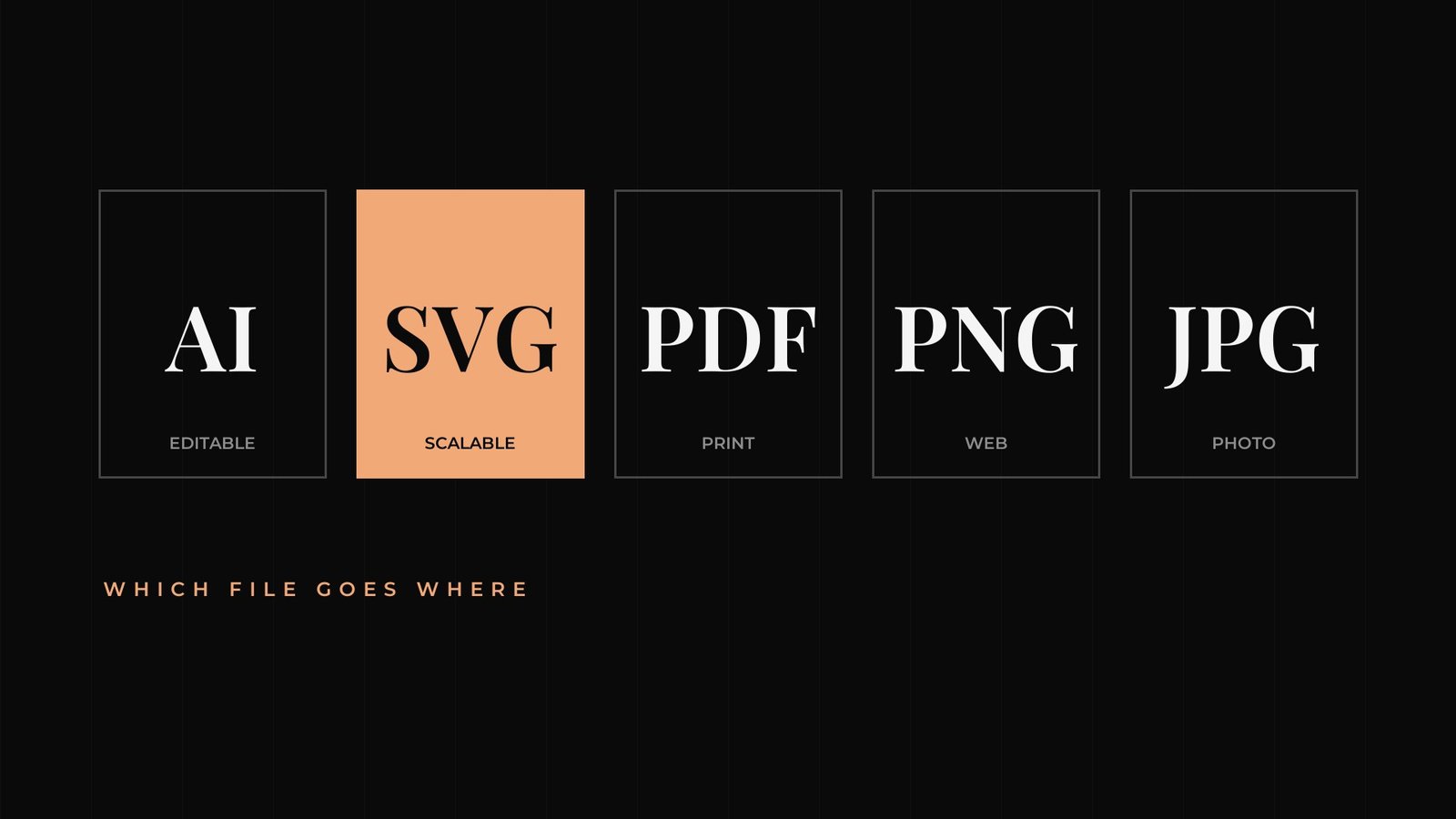
A branding project ends with a folder of files with unfamiliar extensions. Six months later a printer asks for the vector, and that folder suddenly matters.
Vector and raster, in one paragraph
Vector files describe shapes mathematically, so they scale to any size without losing quality, from a pen to a building facade. Raster files are made of pixels, so they have a fixed resolution and turn blurry when enlarged beyond it. Keep the vector originals safe. Every other version can be exported from them.
| Format | Type | Use it for | Avoid it for |
|---|---|---|---|
| AI | Vector | Editing in Adobe Illustrator, sending to designers | People without Illustrator |
| SVG | Vector | Websites and apps, sharp at any screen size | Most print jobs, unless the printer asks |
| Vector or raster | Printers, signage, sharing a file anyone can open | Uploading to social media | |
| PNG | Raster | Digital use with a transparent background | Large-format print |
| JPG | Raster | Photos and social posts that don't need transparency | Logos on coloured backgrounds |
| EPS | Vector | Older print workflows that still request it | New projects, where PDF or AI usually replaces it |
One last rule. Keep the files in a shared drive with a sensible folder name, and send the right one the first time. Some printers charge to redraw a logo from a low-resolution image.
RGB, CMYK and Pantone
File formats come with colour modes. RGB describes colour for screens. CMYK describes colour for most printing, using cyan, magenta, yellow and black inks. Pantone is a spot colour system printers use to match a specific shade exactly. Good guidelines list every value your brand needs, so nobody has to guess.
Questions people ask
What is the best file format for a logo?
Keep vector files (AI, SVG or PDF) as your originals, and use PNG or JPG exports for everyday digital use.
What is a vector logo?
A logo saved as mathematical shapes, so it can be enlarged to any size without losing quality. AI, SVG, EPS and most PDF logo files are vector.
Why does my logo look blurry when printed?
It's probably a low-resolution raster file, like a small PNG or JPG. Send the printer a vector file instead.
Written by Brandtastic Design Studio.